Get BTWR!
How to Install
The easiest way to play BTWR is through the Modrinth App, a free launcher that installs the whole modpack — mods, resource/data packs, etc. — in a couple of clicks.
- 1
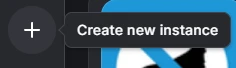
Create a new instance
In the Modrinth App, click the + button in the sidebar.
- 2
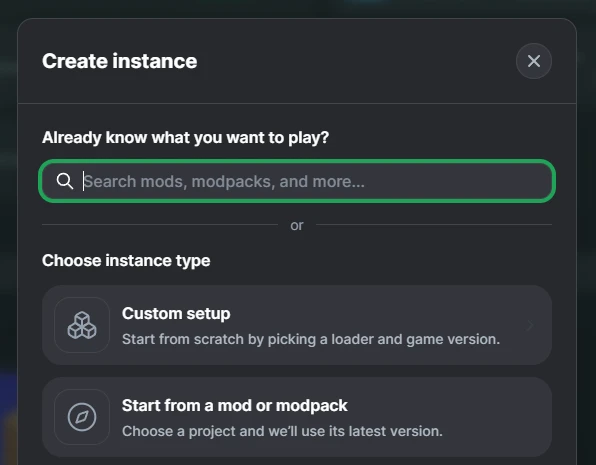
Start from a mod or modpack
In the Create Instance dialog, pick this option instead of a custom setup.
- 3
Search for BTWR and install it
Select the BTWR [Alpha] modpack from the results, then click the green + Install button.
- 4
Play!
Once the modpack finishes installing, click the green Play button in the top right.